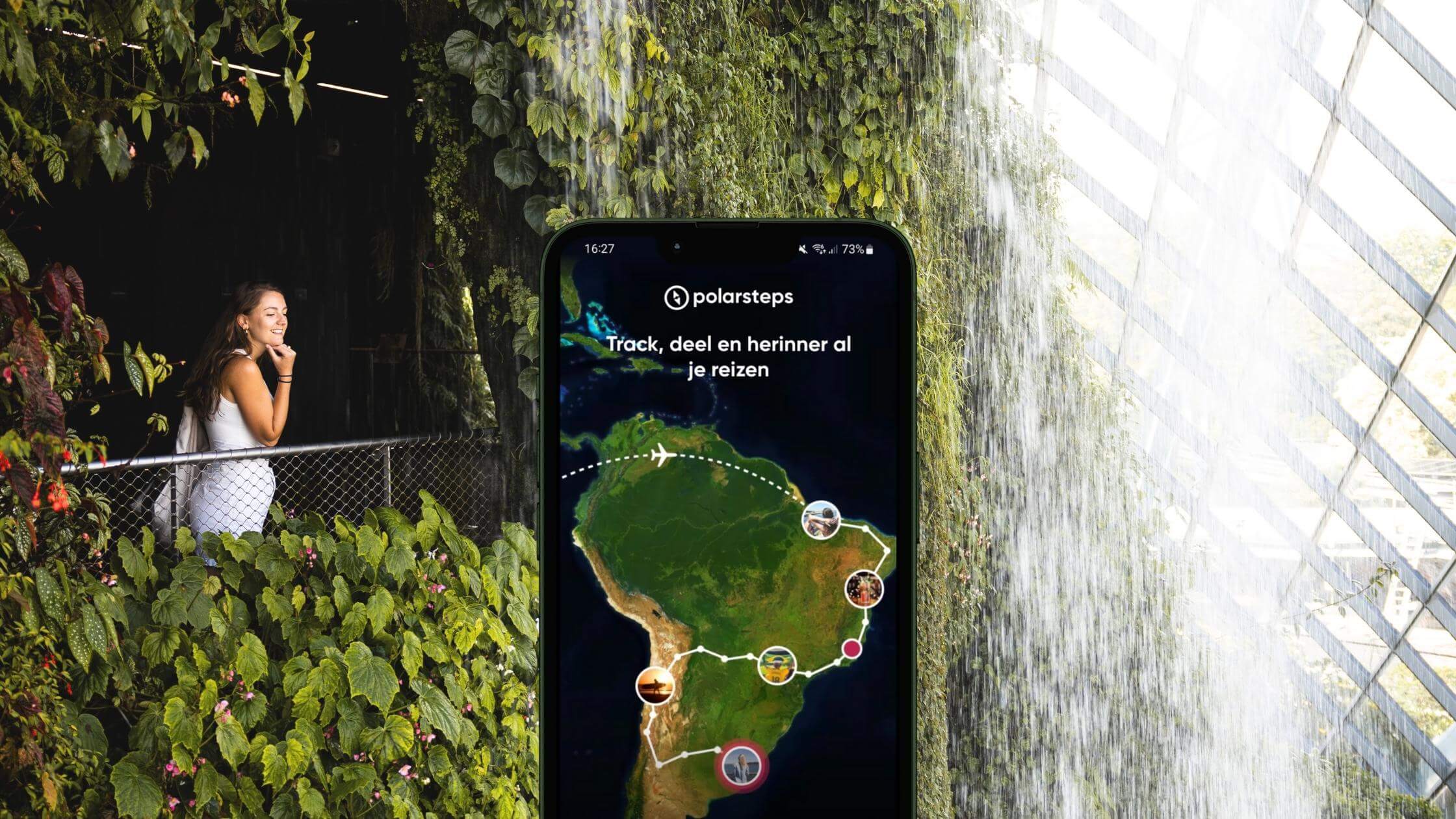

Do you love travelling and want to capture and share your adventures easily? Then the Polarsteps app is your new travel buddy! With this smart app, you automatically track your route, add photos and stories, and let your friends and family enjoy your trip with you. In this blog, we take you step by step through the world of Polarsteps and tell you why you should really give this app a try.
 Fact: Did you know that during our very first faraway trip (to Bali in 2016), we used Polarsteps to keep friends and family updated on our adventures? Super convenient and easy and besides, we got a lot of nice feedback back. And guess what? There ThousandTravelMiles arise from!
What is Polarsteps?
Polarsteps is a free Dutch travel app that automatically tracks your itinerary via GPS and visualises it on an interactive world map. You can add photos, notes and stopovers to create a personal travel diary. The great thing is that your family and friends can follow your adventures in real-time, but you can also choose to keep your trip private. At the end of your trip, you have a travel summary of your route, which you can even turn into a nice photo book via the app. Ideal anyway!
A quick rundown of what the Polarsteps app can do!
1. Automatically capture your journey
Once you travel, Polarsteps takes most of the work off your hands. The app automatically tracks your route via GPS, even when you're offline. Super convenient! So you get to see exactly where you've been afterwards. Whether you want to share your adventures with friends and family immediately, or prefer to fill in your travel diary later.
2. Sharing trips with your family and friends
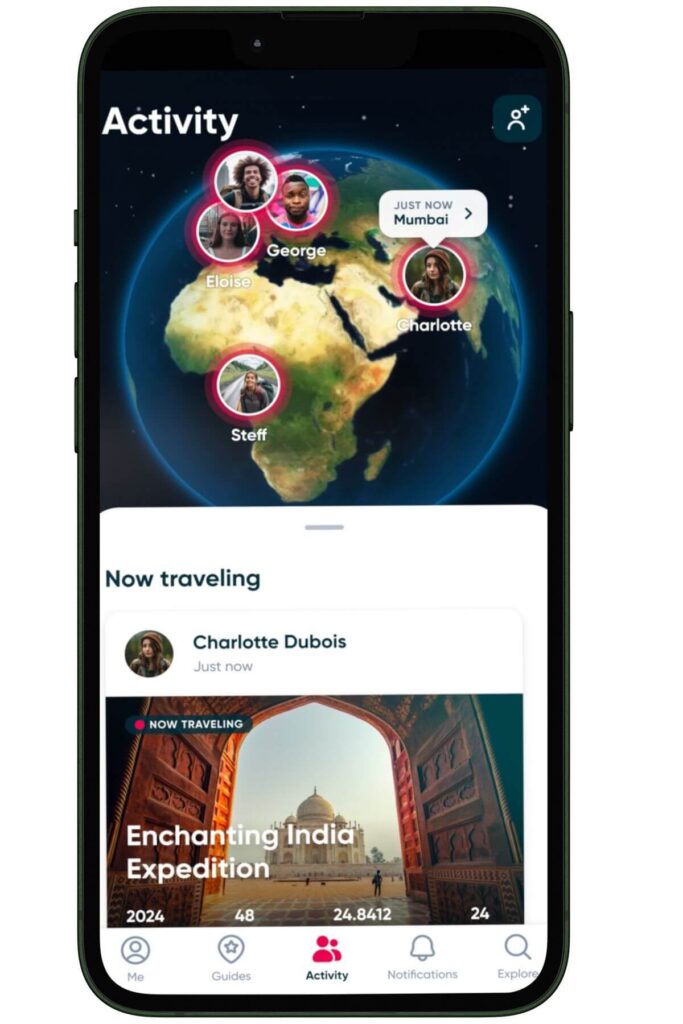
Let family and friends witness your adventures live! You decide who can watch: completely public, only your inner circle or completely private. Updates appear automatically as soon as you add something new.
3. Your journey on the map
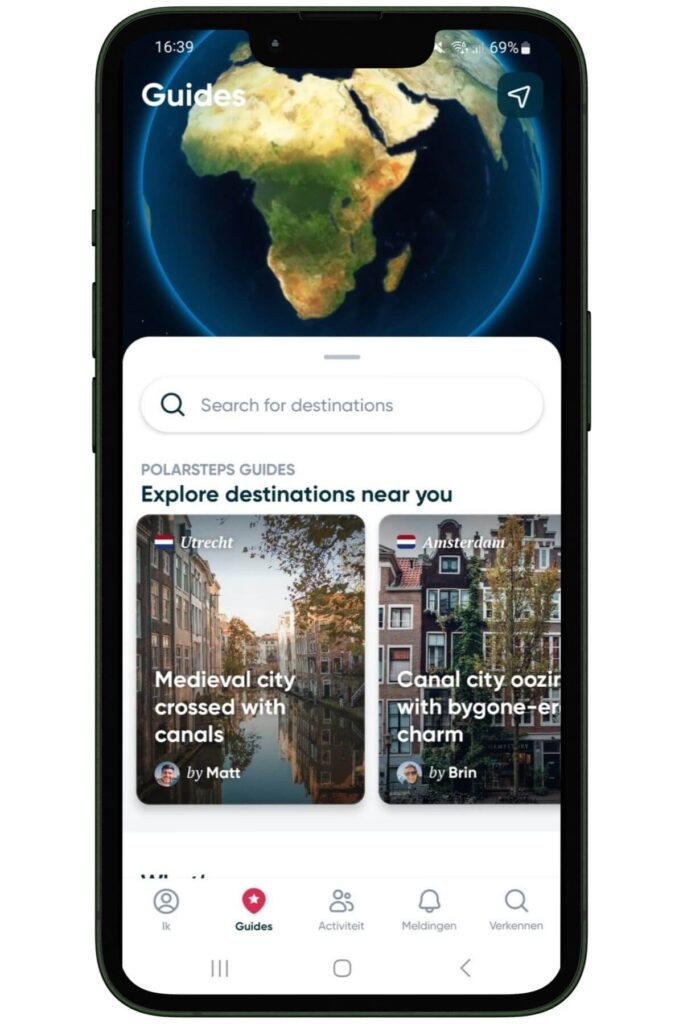
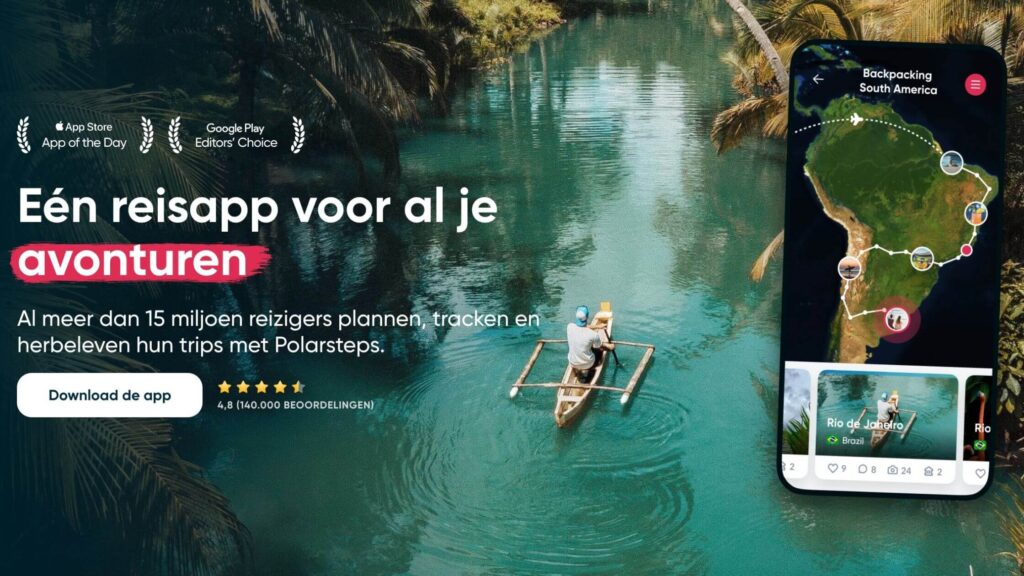
Polarsteps puts all your steps on an interactive map. So you can see at a glance where you have been, with all your stops and detours neatly displayed. Perfect for looking back or planning your next destination!
4. Photos & notes on the go
A beautiful view or crazy event along the way? Instantly add photos and short stories to your trip. At the end of your trip, you will have a fully digital diary full of personal moments.
5. Discover places through guidebooks
Want some extra inspiration from the country you're about to visit? The Polarsteps travel guides contain handy tips from other travellers: from secret beaches to the best hikes and eateries. Extra nice: they are updated regularly.
6. From app to printed travel book
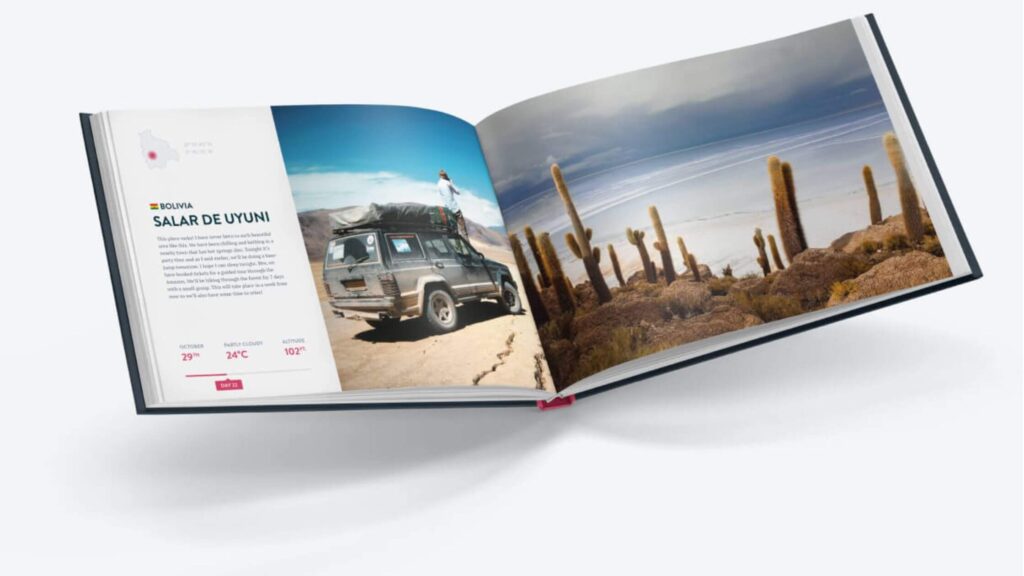
After your trip, you can easily turn your digital diary into a photo book. Yes, you read that right. This is a great way to do something with all your travel photos! The photo book shows your personal itinerary, photos and notes.
Polarsteps app for your mobile (or ipad)
Polarsteps's app is designed for people who travel. You can therefore easily add new steps, upload photos and view your itinerary from your phone. In addition, the app is optimised for battery consumption and also works offline, which is ideal for travelling in areas with limited internet access.
Polarsteps desktop version
For those who prefer to work on a larger screen, you can also open Polarsteps on your laptop via polarsteps.com. Here you can also simply view itineraries, upload photos and write longer travel reports. The desktop and mobile versions synchronise automatically, so you always have access to the latest version.
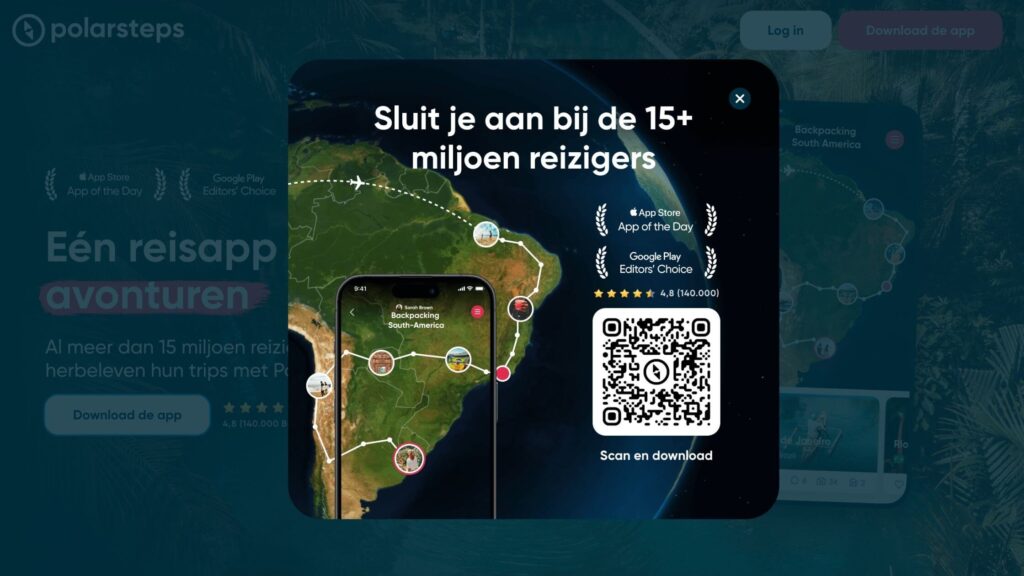
How Polarsteps works (step-by-step explanation)
Polarsteps is easy to use and you will discover that it is largely self-explanatory. However, to help you get started, we have written a step-by-step guide to Polarsteps for your convenience so you can get started! From following friends to customising your own journey, you'll find everything here.
1. Create account
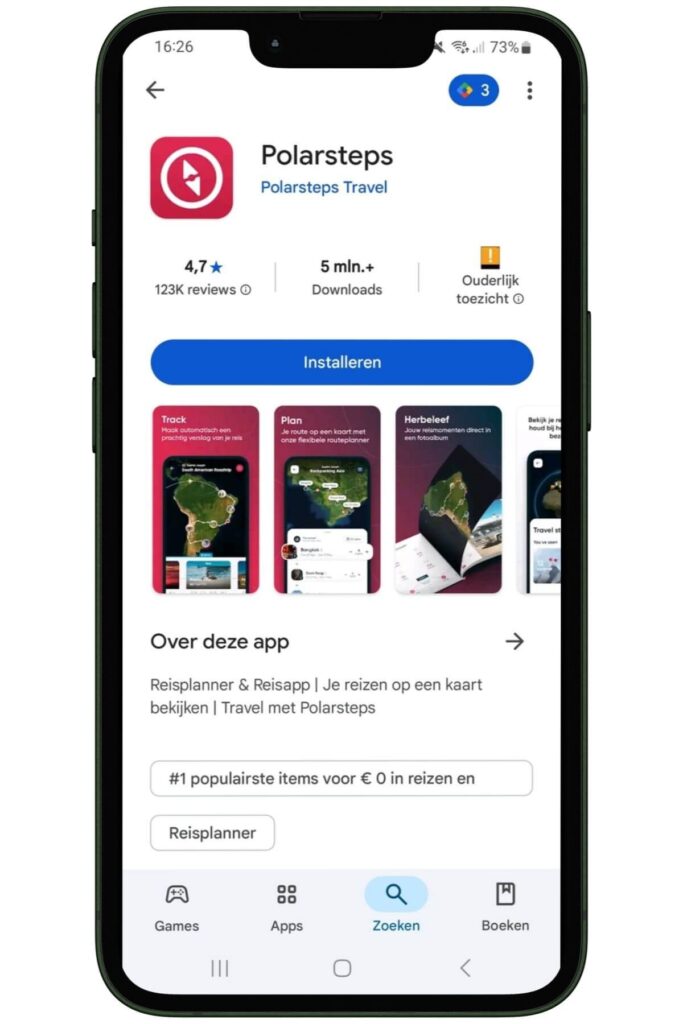
- Download the Polarsteps app from the App Store (iOS) or Google Play Store (Android).
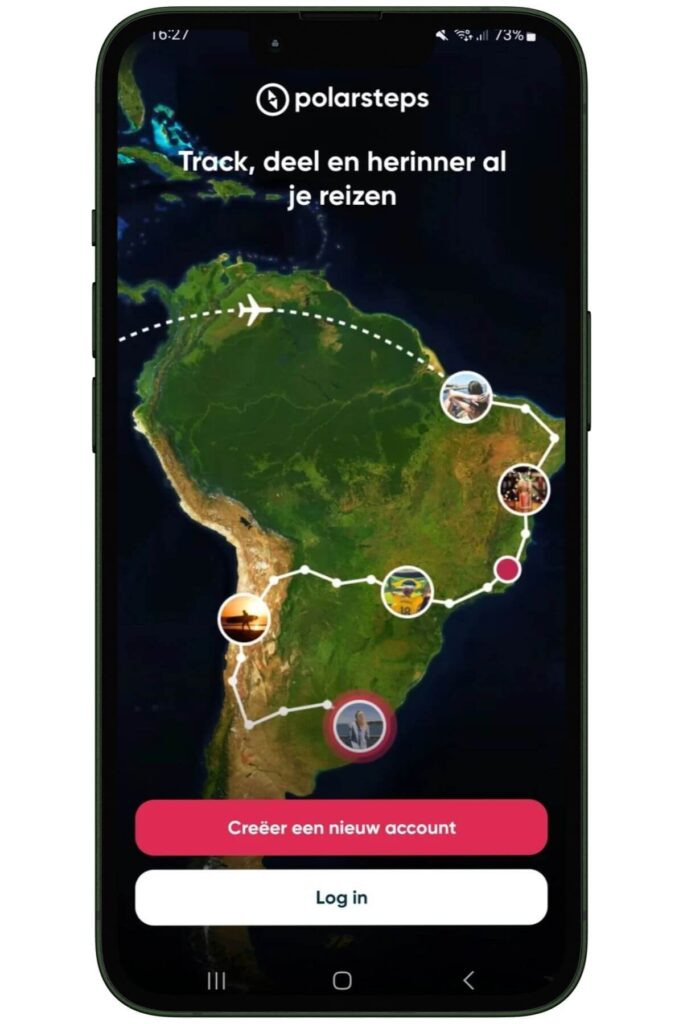
- Open the app and select “Create account”.
- Register with your e-mail address, Google or Facebook account.
- Fill in your profile details, such as your name and profile picture.
2. Starting a new journey
- Go to the ‘Me’ tab and tap ‘Add a trip’.
- Future journey: Ideal if you want to map out your route in advance or just plan ahead.
- I am currently travelling: Perfect if you are already on the road and want to track your adventure live.
- Add previous trip: Useful if you still want to capture your previous trip (because hey, memories deserve a place).
- Enter the name, start and end date of your trip.
- Write a short summary of your trip.
- Set the privacy level: public, followers only or private.
3. Activate Travel Tracker
- Enable ‘Travel Tracker’ to have your route automatically tracked via GPS.
- Give the app permission to use your location, even when the app is running in the background.
- The app also works offline and syncs data as soon as you are back online.
4. Adding steps
- During your trip, you can add ‘steps’: these are locations you have been to.
- Add photos, videos and descriptions to each step.
- Tap the plus sign to add a new step.
- Select ‘Add photos’ and choose images from your gallery.
- Then add a description or fun story.
- Publish the step to make it visible to your followers.
- Made a mistake? No problem, you can also easily delete a step. To do so, open the respective step, go to the options menu and choose “Delete”.
 Tip: Note that uploading photos can consume data. Make sure you are connected to wifi or have an eSIM card from e.g. Airalo with enough MBs, so you won't unexpectedly go through your data limit.
5. Adding steps afterwards
Did you forget to add a scooter during your trip? No problem, below we explain how to add one.
- Go to the relevant trip in the app.
- Tap the plus sign to add a new step.
- Enter the date and location of the moment you want to capture.
- Add photos and descriptions as usual.
This way, you can complete your travel diary even when you are already home!
6. Adjust route manually
If the automatically generated route with GPS is not quite right, you can simply adjust it manually:
- Open the relevant trip and go to the step you want to change.
- Adjust the location by selecting a new place on the map.
- Save the changes to correct the route.
7. Share trip with others
- Share your trip with friends and family via a unique link.
- Go to your travel settings (privacy settings) to control who can see your trip.
- You can make your trip public, share it with just friends or keep it private.
- You can then share the link via WhatsApp, email or social media.
- Even people without a Polarsteps account can follow your journey via the shared link.
8. Following someone on Polarsteps
You can also follow other travellers on Polarsteps by looking up their profile and clicking ‘Follow’. Once you follow someone, you will receive updates of their travels and you can comment on their steps. Super handy if someone is making the same route as you (but just a bit ahead) or to see which routes you still want to add to your bucket list!
How can you follow someone?
- Open Polarsteps and tap the magnifying glass icon at the bottom right to go to the search menu.
- Type the name or username of the person you want to follow.
- Have you found the profile? Then click on ‘Follow’. Is the profile private? Then the person has to accept your follow request first before you can see their travel updates.
9. Polarsteps trip stop
At the end of your journey, you can stop the tracking which means no new locations are added:
- Open the trip in the app.
- Tap the three dots at the top right and choose ‘Edit trip’.
- Enter the end date and turn off the ‘Travel Tracker’.
- Save the changes to complete the journey.
- Your trip is now shown as completed in your profile.
10. Additional tips
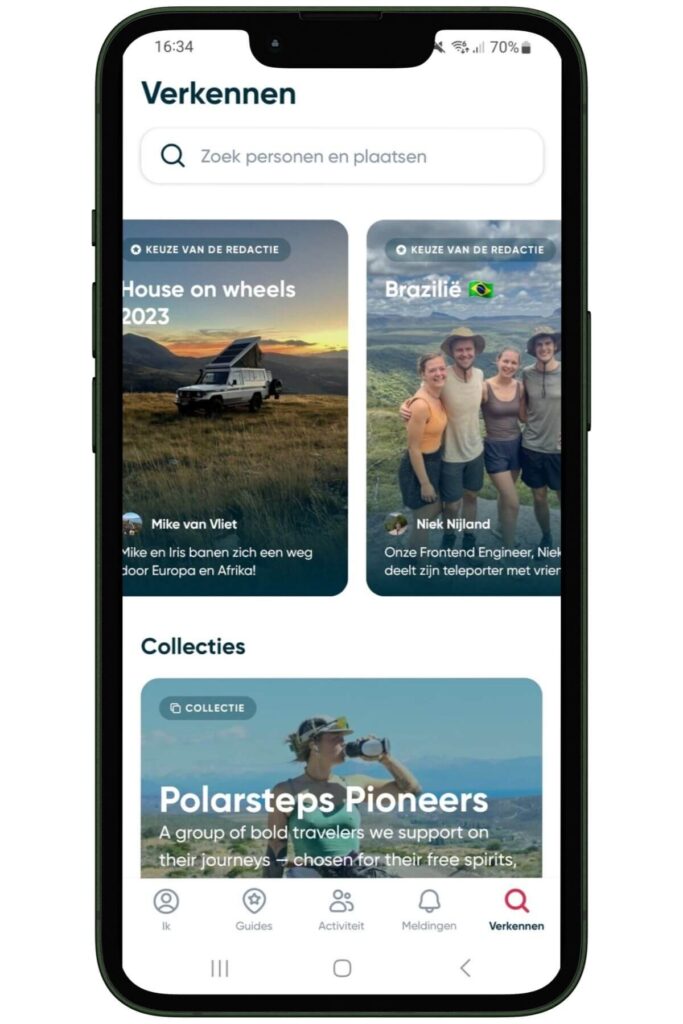
- Get inspiration via Explore: In the Explore section, discover other users' trips. Perfect for finding new destinations or itineraries.
- Manage settings: The settings menu makes it easy to adjust your preferences, such as notifications, data usage and other options that enhance convenience.
- Disable automatic tracking: In the settings of your trip, you can easily deactivate the “Automatic tracking” function. This way, you keep control over what is recorded.
- Export travel data: Polarsteps offers the ability to export your journeys as a GPX file. Useful if you want to use your route in other apps or map services.
- Remove steps or trips: Do you have a step or entire journey you want to delete? Open the step or journey in question, go to the options menu and choose “Delete”.
Tip: Do you need a complete Polarsteps manual? No problem, you can find a comprehensive manual on the Polarsteps website. This manual gives you detailed instructions and tips to get the most out of the app.
Read also: Continuous or Short-term Travel Insurance: Which Do You Choose?
Read also: Creating a Komoot route? Check out the roadmap here!
Creating a photo book with Polarsteps
One of the best things after coming home is reminiscing, right? Flicking back through your photos, reminiscing about that one intense but awesome hike or that cosy restaurant! Luckily, Polarsteps has come up with something for that too. After your trip, the app automatically creates a travel book for you complete with your route, photos and notes.
1. Order your Polarsteps photo book directly
- Open the completed journey in the app or on the desktop version.
- Click on ‘My Travel Books’ and then ‘View and order’.
- The app automatically generates a photo book with your route, photos and descriptions.
- Browse the book and customise it if required.
- Go to checkout to complete your order.
Tip: Make sure your photos are of good quality. Fortunately, most smartphones these days take excellent pictures but check this carefully before getting the book printed!
2. Customise photo book
Is the photo book still not quite to your liking? No problem! You can easily adjust it.
- Click on ‘Edit Travel Book’.
- Select which photos you want to include.
- Customise the title, author and theme colour.
- Choose the desired photo layout: more photos per page or larger images.
- Decide whether you want to include the step texts in the book.
Tip: Edit your photo book on your laptop or computer! We find this just a bit easier than on the phone.
3. Discount on a photo book through Polarsteps
Polarsteps regularly offers discounts on photo books. For example, a book of 25 to 50 pages costs the same amount, giving you more value for your money. In addition, discount codes are sometimes available for extra savings. This is especially true during the holidays, so keep an eye on their website then!
Our experience with Polarstepps
If you ask us, Polarsteps is a must-have for any traveller who wants to capture and share their adventures. We used it a lot in the past (before we had our travel blog) and people back home loved watching it. The app is also user-friendly, works offline and offers the option to turn your trip into a photo book. So... Whether you're taking a trip around the world or a weekend getaway, Polarsteps is your ideal travel buddy!
Tip: One last tip for us! Whether you use Polarsteps or not, we always take this power bank with us when we travel. This way, we can be sure we can continue to navigate, take unlimited photos and remain accessible in case of emergencies.

We hope these tips help you plan and share your trip. Still have questions? Then feel free to drop us a line at Instagram.
We try to keep this blog as up-to-date as possible but this cannot be done without your help. If anything has changed, please let us know via info@thousandtravelmiles.nl.
Some of the links in this blog are affiliate links. If you choose to make a purchase through these links, we receive a small commission at no extra cost to you. By using these affiliate links, you support Thousandtravelmiles. This allows us to roam the world, fund the website and offer you free information for planning your trip. This means that a ‘real’ person will do a little joy dance if you make a purchase through this link! You're a legend!